Documents without the email back-and-forth
Make contracts, reports, and instructions available in the right customer account. Your team no longer has to find and send the same files repeatedly.
We build customer portals and B2B platforms that let your customers find documents, submit requests, and check progress themselves. Connected to your existing software, from the first useful release to ongoing operation.
Discuss your projectAn initial conversation, without obligation.
Show us where you stand.
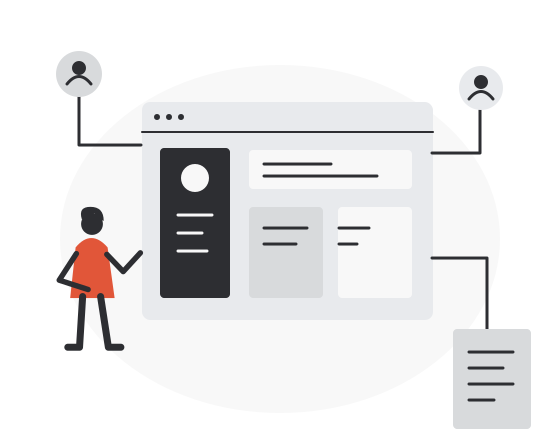
When customers keep asking for the same information
Where is my order? Can you send the document again? Who is handling my request? A customer portal gives these questions a shared home. Your customers can find answers themselves, and your team has more time for the requests that need a conversation.
People and organizations
Existing systems
Make contracts, reports, and instructions available in the right customer account. Your team no longer has to find and send the same files repeatedly.
Customers submit a request with the information your team needs and can see what happens next. Responsibilities and open questions stay visible to everyone involved.
Connect the portal to your customer management or order system. Agree which system holds the current data so that nobody has to maintain two different versions.
Give customer teams access to their own documents and services. Decide who may view, change, or approve information, including when several people work for the same customer.
Together, we clarify your starting point and the next useful step. We reply within 24 hours.
Discuss your customer portalFrom a useful idea to everyday use
Use what fits. Build what is missing.
First, we check whether your existing software already offers a suitable customer portal. The important questions are whether it supports your customer tasks, connects to your systems, and can be run at a reasonable cost.
If roles, workflows, and interfaces largely follow a proven pattern, a configurable product is often faster and more economical. We say so openly instead of recommending custom development by default.
A custom portal can be worthwhile when existing products cannot handle your service process or connect the necessary data. We identify those gaps and define a first version around them before expanding the scope.
If the central workflow is not yet clear, start with our service for process digitization . If product strategy, validation, and the roadmap are still open, our long-term product development is the better starting point.
From the business model to reliable operations
We clarify who uses the platform, which value each group receives, and which rules, data, and existing systems shape the service.
The first release solves a coherent problem for a defined user group instead of presenting a broad collection of unfinished functions.
We develop in short steps, connect external systems, map and validate existing data, rehearse the migration, and plan cutover or parallel operation before launch.
Monitoring, support, usage data, and feedback guide the next releases while the platform remains stable and available.
Three platforms we take long-term responsibility for
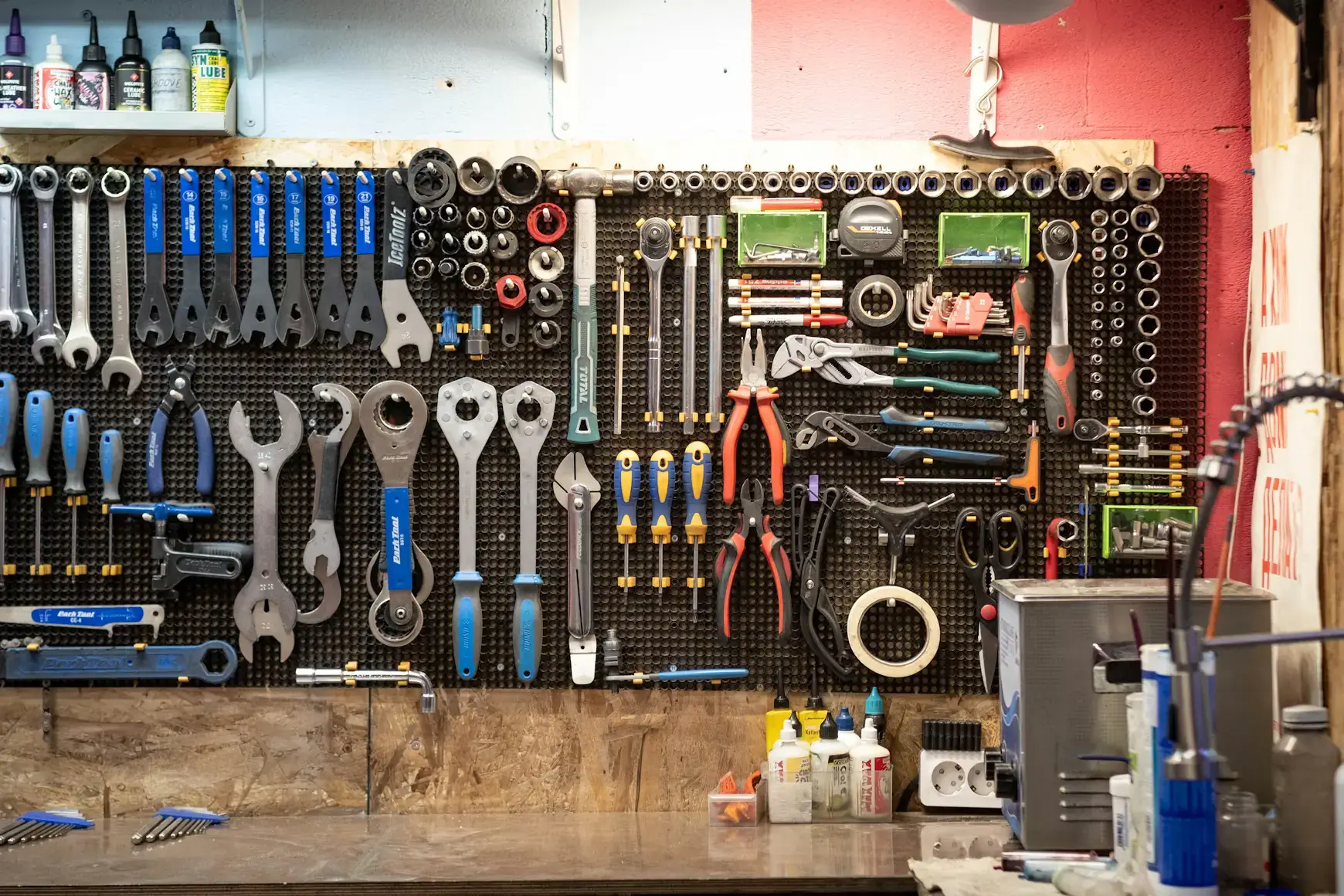
B2B SaaS for automotive workshops
A manufacturer-independent platform that links digital inventory data with physical tool workflows and supports thousands of workshops. Live since 2018. Storage systems such as smart cabinets and vertical lift modules are connected directly, so the digital inventory and the physical tool flow stay in step.
View SEPP.One

Learning platform across web and mobile
Live since 2018. We took backend, backoffice, frontend and the native app over from three different providers, consolidated them and migrated large amounts of data into a new structure while the learning platform stayed available.
View Onilo

Collaboration platform for ESG reporting
A SaaS collaboration platform that maps the whole reporting process, from collecting the data to publishing the report. We took it over from another provider and rebuilt it under time pressure; the modular architecture on Elixir, Phoenix and AWS follows changing EU requirements.
View E-SG.cloud
What clients often want to know.
The main cost drivers are the tasks customers should complete, connections to existing software, access rules, and the quality of existing data. We first define a useful initial scope and clarify technical dependencies. This gives us a basis for an estimate; hosting, maintenance, and further development are considered separately.
An example of a frequent customer request, the people involved, and the software you currently use are enough to start. If you have a target date or budget range, bring those too. You do not need a finished specification. We clarify the first useful workflow, open questions, and the next step together.
A normal application usually serves one kind of user behind a login. A B2B portal brings several user groups together, operators, customers, partners, each with their own roles, permissions and view, on top of a shared system that docks onto what already runs at your place. That interplay is the actual work, not the login screen.
It follows the number of roles, user groups and integrations rather than a fixed schedule. A focused first release is often a matter of months. A platform with several tenants, tiered access and connections to existing systems takes considerably longer, and we plan that with you before development starts.
A custom platform is useful when roles, workflows, integrations, or the business model cannot be represented economically with an existing product. We compare standard software, customization, and custom development before recommending an approach.
Yes. We design APIs and data flows for existing enterprise systems, identity providers, payment services, analytics, and specialist applications. We clarify ownership, error handling, security, and synchronization before implementation.
We derive roles and permissions from actual responsibilities and workflows. Granular access rules, organizational structures, audit trails, and administrative interfaces are designed together so that permissions remain understandable and maintainable.
Yes. A first release can focus on one user group, one workflow, or one integration. Subsequent releases expand the platform using feedback and operational data without requiring every planned function at launch.
We analyze source data, define mappings and validation rules, rehearse the migration, and plan cutover or parallel operation. Automated checks make missing, duplicated, or inconsistent data visible before the new platform takes over.
Security and privacy requirements enter the architecture from the start. This includes access control, encryption, secure development practices, logging, data minimization, backups, updates, and clearly assigned operating responsibilities.
Yes. Depending on the product, we handle hosting, deployments, monitoring, incident response, maintenance, support, and continuous development with a dedicated team and transparent priorities.
Which question do your customers ask most often? Tell us what they should be able to do in the portal and which software you already use. We will discuss a useful first version, open questions, and the next steps with you. We reply within 24 hours.